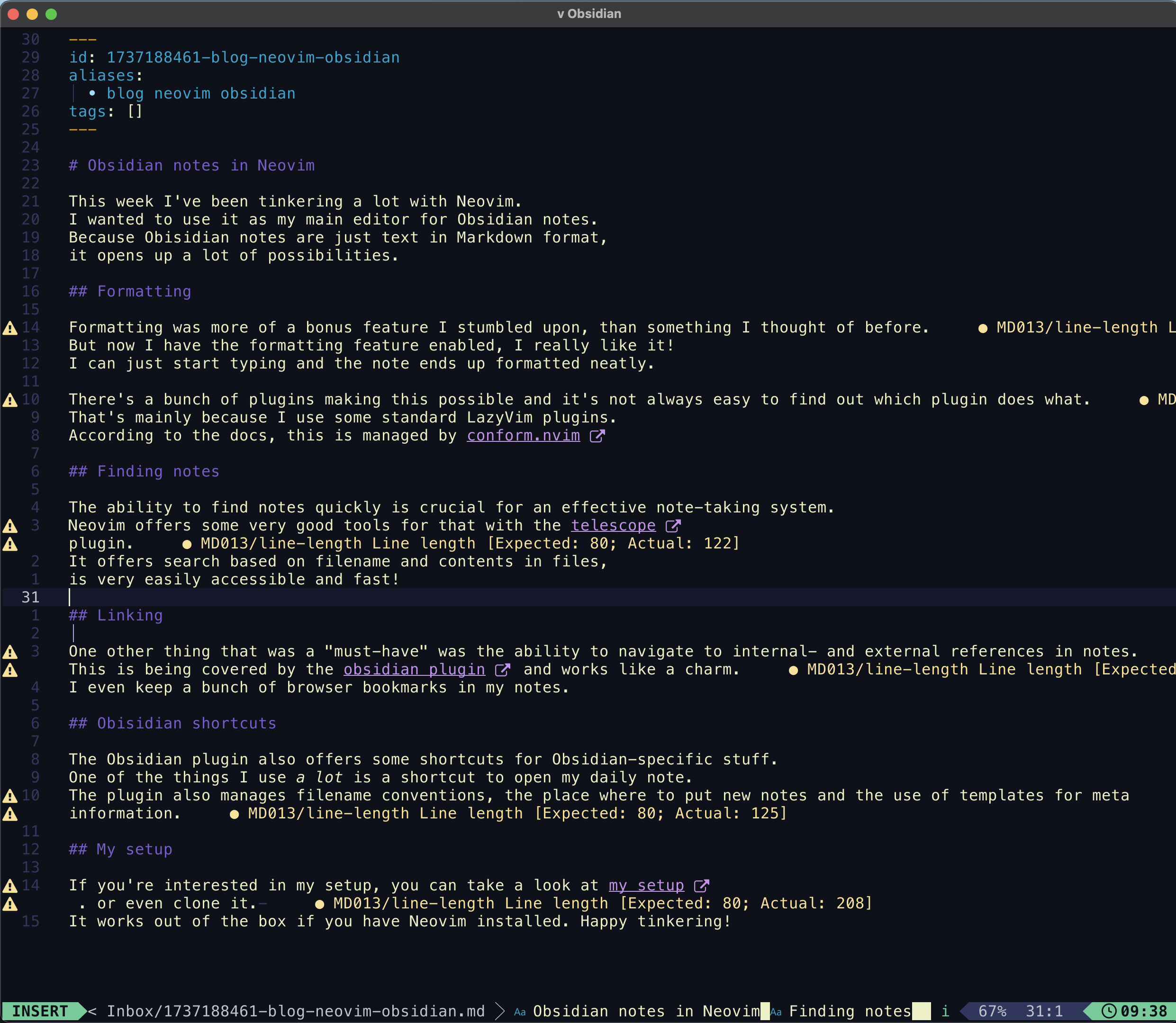
Obsidian notes in Neovim
This week I’ve been tinkering a lot with Neovim. I wanted to use it as my main editor for Obsidian notes. Because Obisidian notes are just text in Markdown format, it opens up a lot of possibilities.
Formatting
Formatting was more of a bonus feature I stumbled upon, than something I thought of before. But now I have the formatting feature enabled, I really like it! I can just start typing and the note ends up formatted neatly.
There’s a bunch of plugins making this possible and it’s not always easy to find out which plugin does what. That’s mainly because I use some standard LazyVim plugins. According to the docs, this is managed by conform.nvim
Finding notes
The ability to find notes quickly is crucial for an effective note-taking system. Neovim offers some very good tools for that with the telescope plugin. It offers search based on filename and contents in files, is very easily accessible and fast!
Linking
One other thing that was a “must-have” was the ability to navigate to internal- and external references in notes. This is being covered by the obsidian plugin and works like a charm. I even keep a bunch of browser bookmarks in my notes.
Obisidian shortcuts
The Obsidian plugin also offers some shortcuts for Obsidian-specific stuff. One of the things I use a lot is a shortcut to open my daily note. The plugin also manages filename conventions, the place where to put new notes and the use of templates for meta information.
My setup
If you’re interested in my setup, you can take a look at my setup. or even clone it. It works out of the box if you have Neovim installed. Happy tinkering!